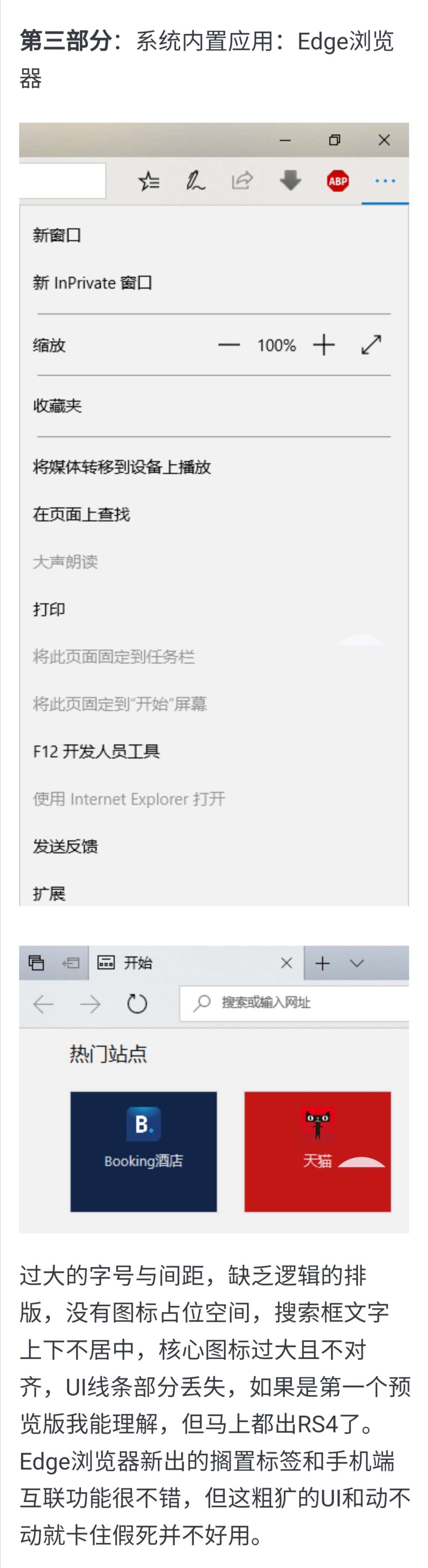
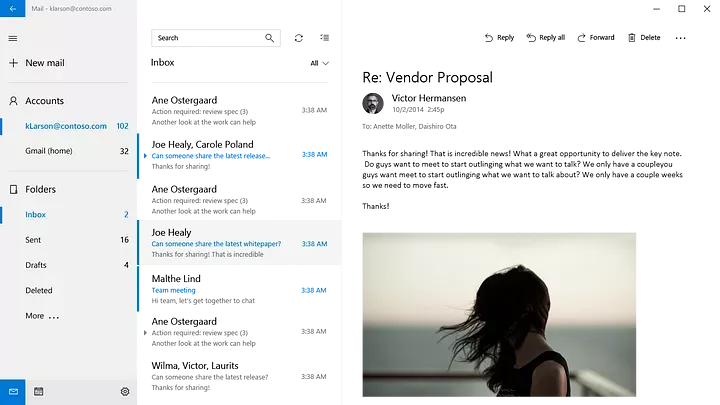
Retired user wQqtF8NAk5BrycO6 雨糖科技 我最后还是被迫接受了 New Outlook,就像当初接受 Chromium Edge 那样 因为老edge过于粗制滥造(典中典地址栏文字上下不居中,各种图标跟狗啃过似的,菜单排版缺乏逻辑,还有最重量级的:UWP应用的稳定性问题……)
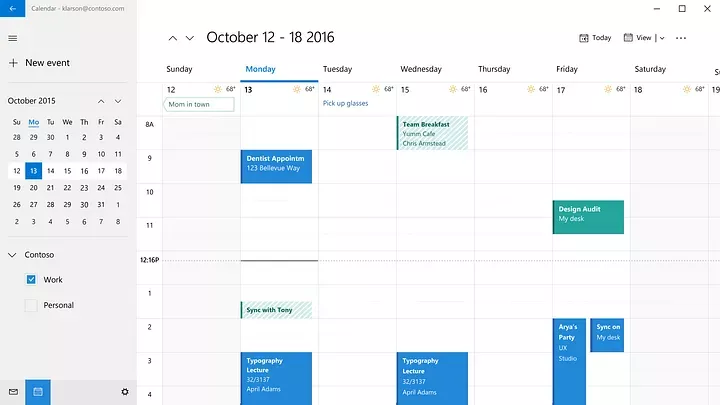
Stakarilky Retired user wQqtF8NAk5BrycO6 这个小界面更新我看了一圈有点难绷,就只有邮件主页做的还行,日历界面瑕疵很大,左侧的侧边栏跟狗挫的一样,人脉干脆就是没有改,真的是……服了。 Retired user wQqtF8NAk5BrycO6 但是老 Edge 的动画很强,比后面版本的 Edge Chromium 要强很多。
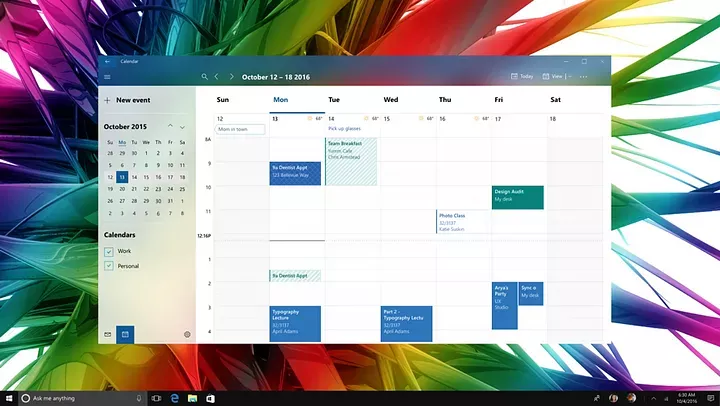
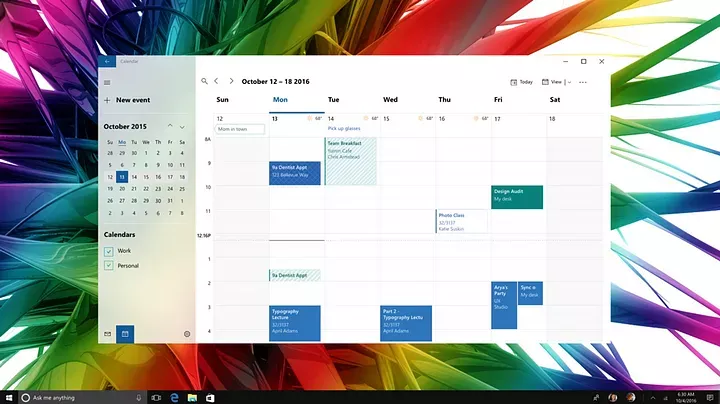
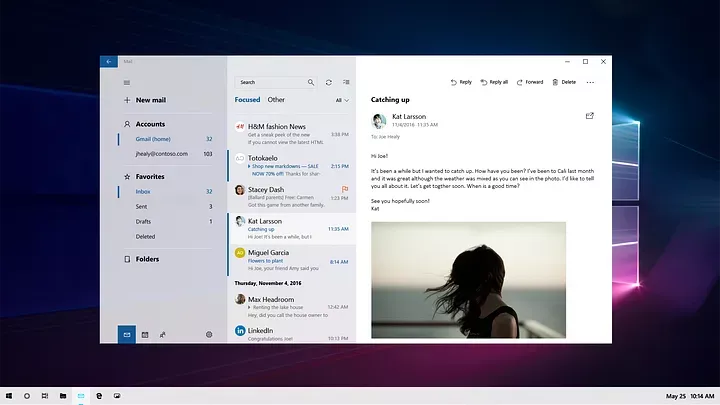
Stakarilky Retired user wQqtF8NAk5BrycO6 这个设计还是可以的,邮件的间距我不喜欢,但二级导航加上了亚克力效果层次感确实更舒服,而日历那张图的宽额头有 2020 预览版的感觉,且相比 2020 Calendar,使用更多的半透明效果,看起来实际上更好,难以想象 2018 年的时候他们就已经重新设计定稿过很多东西,或许在 WDG 解体前,做 FDS 的团队曾为 Windows Fluent Design 做出过很多超棒和伟大的构想。
Retired user wQqtF8NAk5BrycO6 ThinkBou Stakarilky 何沐瑾 Stakarilky 不知道这里有没有 https://www.landiannews.com/archives/70139.html 教程https://sspai.com/post/58890
Stakarilky Retired user wQqtF8NAk5BrycO6 先卸载然后下载一个 2021 年中(适用于 10 的直角风格)或者 2022 年中(适配了 11 的圆角微调)包手动安装然后禁止商店的自动更新就行了。
Retired user wQqtF8NAk5BrycO6 Retired user wQqtF8NAk5BrycO6 发现了个好东西 https://github.com/matej137/OutlookRemover And about the Mail and calendar apps, what I believe Microsoft is talking about is that it will no longer work with Microsoft´s email services out of the box and you´ll have to set them up manually as a 3rd party IMAP/POP3 client. The same will probably happen with Gmail connection too at some point, as the app is no longer supported. But I don´t really think that anything will happen to the app itsself. And even if, it would still be possible to downgrade to an older, working version
Retired user wQqtF8NAk5BrycO6 Famous 打包不了,我之前的Microsoft.Windows.Photos_2020.20120.4004.0_neutral~8wekyb3d8bbwe.AppxBundle就是语言包打包不了 更新:此问题已解决。不过强行重打包“邮件和日历”会无法登录微软账号
Retired user wQqtF8NAk5BrycO6 DaleZ 不再支持在 Outlook 网页版中连接其他电子邮件帐户 - Microsoft 支持 已连接的电子邮件帐户(如 Gmail 和 Yahoo)无法在 Outlook.com - Microsoft 支持
Retired user wQqtF8NAk5BrycO6 DaleZ Retired user wQqtF8NAk5BrycO6 Re @Stakarilky:话说微软对Outlook的命名很有问题,Outlook服务和Outlook软件是两个完全不同的东西。按我说,Outlook.com就应该叫Hotmail,365里的客户端叫Outlook,网页套壳版和手机版不知道叫啥,要不叫Outlook Express?UWP版邮件和日历保持原名。